
AMD R9700 Llama.cpp Toolboxes
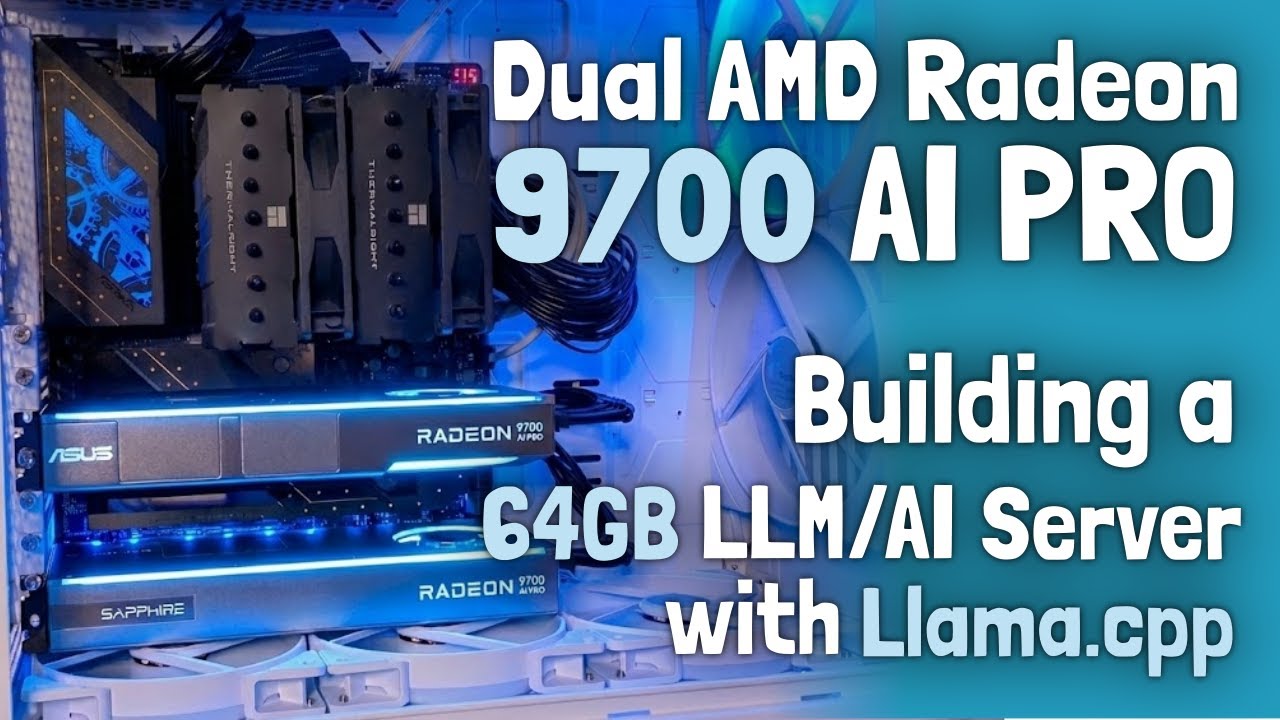
This project provides pre-built containers (“toolboxes”) for running LLMs on AMD Radeon AI PRO R9700 GPUs (gfx1201). It uses toolbox (standard on Fedora, available on Ubuntu, Arch, etc.) to run llama.cpp with full GPU acceleration (Vulkan or ROCm) without messing up your host system.
Watch the YouTube Video
🚀 Quick Start
1. Create a Toolbox
Which backend to choose?
- Vulkan (RADV): Recommended for stability. It works reliably with almost all models.
- ROCm: Recommended for maximum performance.
- Note: Multiple ROCm versions are available (e.g., 6.4.4, 7.1, 7.9). Performance can vary significantly depending on the model architecture (e.g., Llama vs. Qwen). Check the Benchmarks to find the best version for your model.
Option A: Vulkan (RADV) [Recommended]
toolbox create llama-vulkan-radv \
  --image docker.io/kyuz0/amd-r9700-toolboxes:vulkan-radv \
  -- --device /dev/dri --group-add video --security-opt seccomp=unconfined
Option B: ROCm (7.2)
toolbox create llama-rocm-7.2 \
  --image docker.io/kyuz0/amd-r9700-toolboxes:rocm-7.2 \
  -- --device /dev/dri --device /dev/kfd \
  --group-add video --group-add render --group-add sudo --security-opt seccomp=unconfined
Ubuntu Users:
toolboxmay have issues with GPU access. Use Distrobox instead. See Detailed Guide below.
2. Enter the Toolbox
toolbox enter llama-vulkan-radv
# or: toolbox enter llama-rocm-7.2
3. Download a Model
Option A: Manual Download (Recommended)
Use the hf tool to download the model GGUF files to a local directory.
# Download to models/qwen3-coder-30B-A3B/
HF_HUB_ENABLE_HF_TRANSFER=1 hf download unsloth/Qwen3-Coder-30B-A3B-Instruct-GGUF \
  BF16/Qwen3-Coder-30B-A3B-Instruct-BF16-00001-of-00002.gguf \
  --local-dir .
Multi-shard Models:
If a model is split into multiple files (e.g., 00001-of-00005.gguf), you must download all shards to the same folder. The command above ensures all parts are downloaded.
Note
The old
huggingface-cliis deprecated. Use the modernhftool (part ofhuggingface_hub).
Option B: Automatic Download (via llama.cpp)
llama.cpp can automatically download models from the Hugging Face Hub to its internal cache (~/.cache/huggingface/hub).
# Automatically download and run
llama-cli -hf unsloth/Qwen3-Coder-30B-A3B-Instruct-GGUF -hf-file BF16/Qwen3-Coder-30B-A3B-Instruct-BF16-00001-of-00002.gguf ...
Note: We prefer Option A (dedicated folder) to keep things organized, but Option B is great for quick tests.
4. Run a Model
Tip
You should always use
-fa 1(Flash Attention). This significantly improves performance and memory utilization on the R9700.
Use llama-cli for running models directly in your terminal—ideal for quick tests, benchmarking, or chatting without leaving the shell.
Use llama-server to start an OpenAI-compatible API server. This allows you to connect third-party UIs (like Open WebUI), use the built-in web interface, or build your own applications using standard libraries.
Run it (CLI Chat):
llama-cli -ngl 999 -fa 1 \
  -m models/qwen3-coder-30B-A3B/BF16/Qwen3-Coder-30B-A3B-Instruct-BF16-00001-of-00002.gguf \
  -p "Write a R9700 toolkit haiku."
Or run as Server (API + Web UI):
llama-server -m models/qwen3-coder-30B-A3B/BF16/Qwen3-Coder-30B-A3B-Instruct-BF16-00001-of-00002.gguf \
  -c 8192 -ngl 999 -fa 1
📖 Detailed Guide
Managing Toolboxes
Ubuntu Users (Distrobox)
If you are on Ubuntu, use Distrobox to ensure proper GPU access:
distrobox create -n llama-rocm-7.2 \
  --image docker.io/kyuz0/amd-r9700-toolboxes:rocm-7.2 \
  --additional-flags "--device /dev/kfd --device /dev/dri --group-add video --group-add render --security-opt seccomp=unconfined"
distrobox enter llama-rocm-7.2
Updating Toolboxes
To pull the latest images and recreate your toolboxes (useful when Llama.cpp updates):
# Refresh all toolboxes
./refresh-toolboxes.sh all

# Or refresh specific ones
./refresh-toolboxes.sh llama-vulkan-radv llama-rocm-7.2
📦 Architecture & Containers
Backends
- Vulkan: Cross-platform, very stable.
- RADV (Mesa): Best compatibility.
- AMDVLK: Official AMD driver. Faster in some cases but has a strict 2GB single buffer limit (some large models won't load).
- ROCm: AMD's compute stack (CUDA-like).
Supported Container Images
Images are hosted on Docker Hub and automatically rebuilt on Llama.cpp updates.
| Tag | Backend | Notes |
|---|---|---|
vulkan-radv |
Vulkan (Mesa RADV) | Most stable and compatible. Recommended for most users and all models. |
vulkan-amdvlk |
Vulkan (AMDVLK) | Fastest backend—AMD open-source driver. ≤2 GiB single buffer allocation limit, some large models won't load. |
rocm-6.4.4 |
ROCm 6.4.4 (Fedora 43) | Latest stable 6.x build. Uses Fedora 43 packages with backported patch for kernel 6.18.4+ support. |
rocm-7.2 |
ROCm 7.2 | Latest stable 7.x build. Includes patch for kernel 6.18.4+ support. |
rocm7-nightlies |
ROCm 7 Nightlies | Nightly build for ROCm 7. |
⚡ Performance & Planning
Benchmarks
Check the Interactive Benchmark Viewer or docs/benchmarks.md to see performance numbers.
VRAM Estimator
Use the included script to estimate memory usage for models + context. This helps avoid OOM errors.
gguf-vram-estimator.py models/my-model.gguf --contexts 4096 32768
See docs/vram-estimator.md for more details.